Automating the footwall
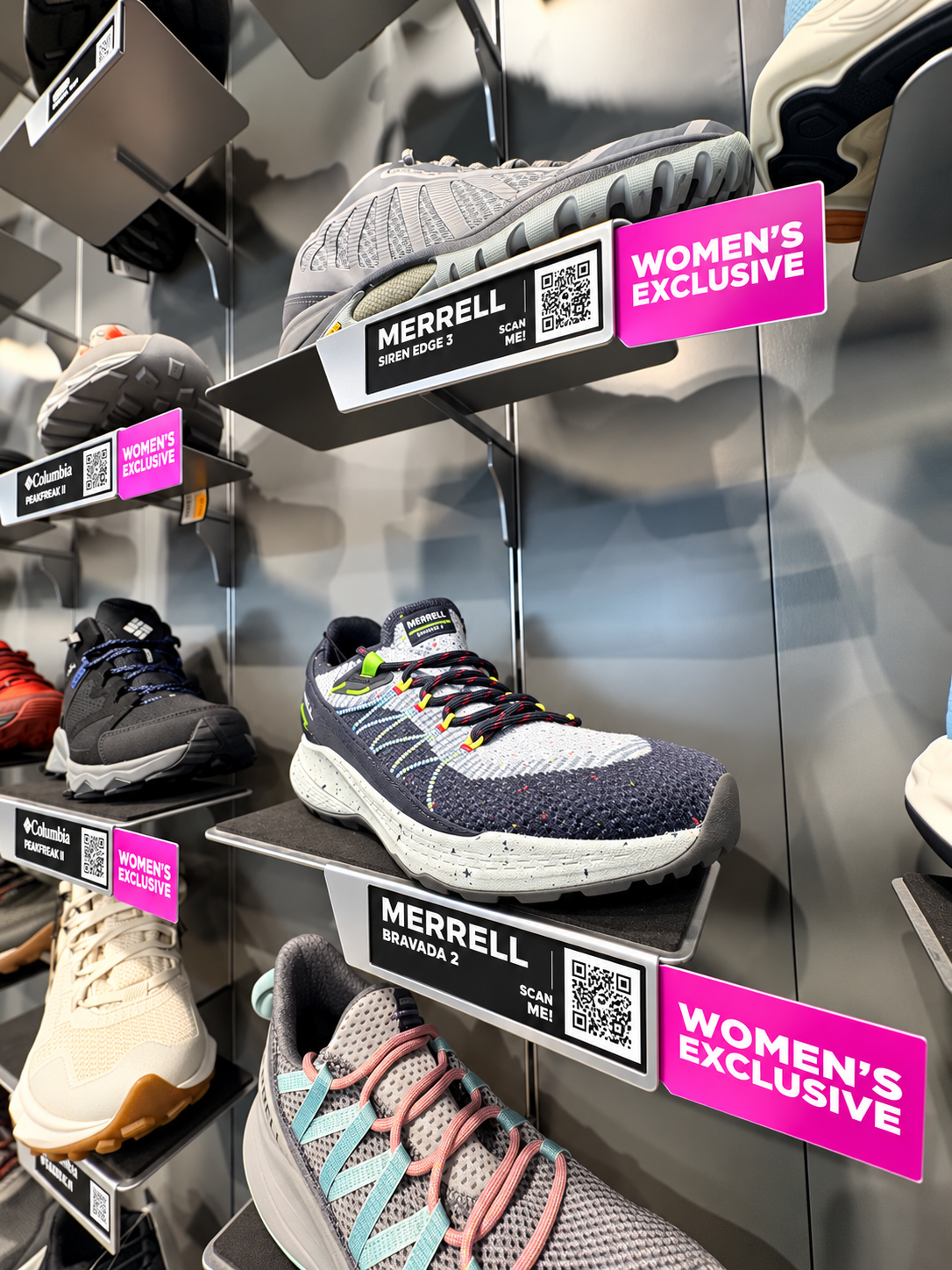
Our stores have footwear walls stocked with hundreds of shoes, and every one of them needs a tag. When the retail team asked for a full refresh this year, I already knew what I was in for, because I'd done it before.
Early this year, another designer and I tackled the same job together. The retail team sends over each shoe's name and internal number. From there, the process looked like this:
Build a spreadsheet of every shoe number
Find each shoe on our website, one at a time
Generate a QR code linking to that product page
Save each QR code and make sure the file name matched the right shoe
Design each tag by hand
It took the two of us about three weeks. The QR step was the worst of it. We generated every code first, then had to double check that each file was named correctly before we could even start designing. One mislabeled file meant a customer scanning a boot and landing on the wrong product.
This time it was just me, so doing it the same way wasn't really an option. I knew InDesign had a feature that could pull data from a spreadsheet into a template. It's called Data Merge. You design one tag, mark which fields are variable (name, price, QR code), point it at a CSV file, and InDesign generates a finished tag for every row. That solved the design side and it was awesome because hundreds of tags became one template and one spreadsheet.
But it didn't fix the part I hated most: the QR codes.
QR codes follow a published, open standard, which means you don't need a website to make them. A short Python script can generate them directly from a list of links.
So I set up the workflow like this:
The spreadsheet holds each shoe's name, internal number, price, and product link
A Python script reads the spreadsheet and generates a QR code for every link
Each QR file is automatically named after the shoe's internal number, so there's no manual renaming and no mismatches
InDesign Data Merge pulls in the text and the matching QR image for each tag
I'm a designer, not a programmer, so I used AI as a collaborator on the parts outside my comfort zone. It helped me structure the spreadsheet so it would work cleanly with Data Merge, and it walked me through writing and troubleshooting the Python script. Rather than just handing me code, it helped me understand what each piece was doing, which meant I could adjust it when something didn't work the way I expected. The biggest lesson wasn't about Python or InDesign specifically. It was about looking at a process and asking which steps actually need a person. Designing one great template needs me. Renaming three hundred PNG files does not.